When buying a The Division 2 account, check the gear score, DLC and expansion access, platform, and how the seller protects login credentials before you pay. The safest route is a verified marketplace with buyer protection rather than a random private sale.
| Detail | What is known |
|---|---|
| Game | The Division 2 (Ubisoft) |
| Upcoming content | Red Horizon DLC announced |
| Recent patch | Update 2.36 addressing audio issues (September) |
| Division 3 tie-in | Red Horizon is not linked to The Division 3 |
| Price | Varies by account, not officially fixed |
Below is a practical checklist for spotting a good account and avoiding a bad one.
Why account details matter right now
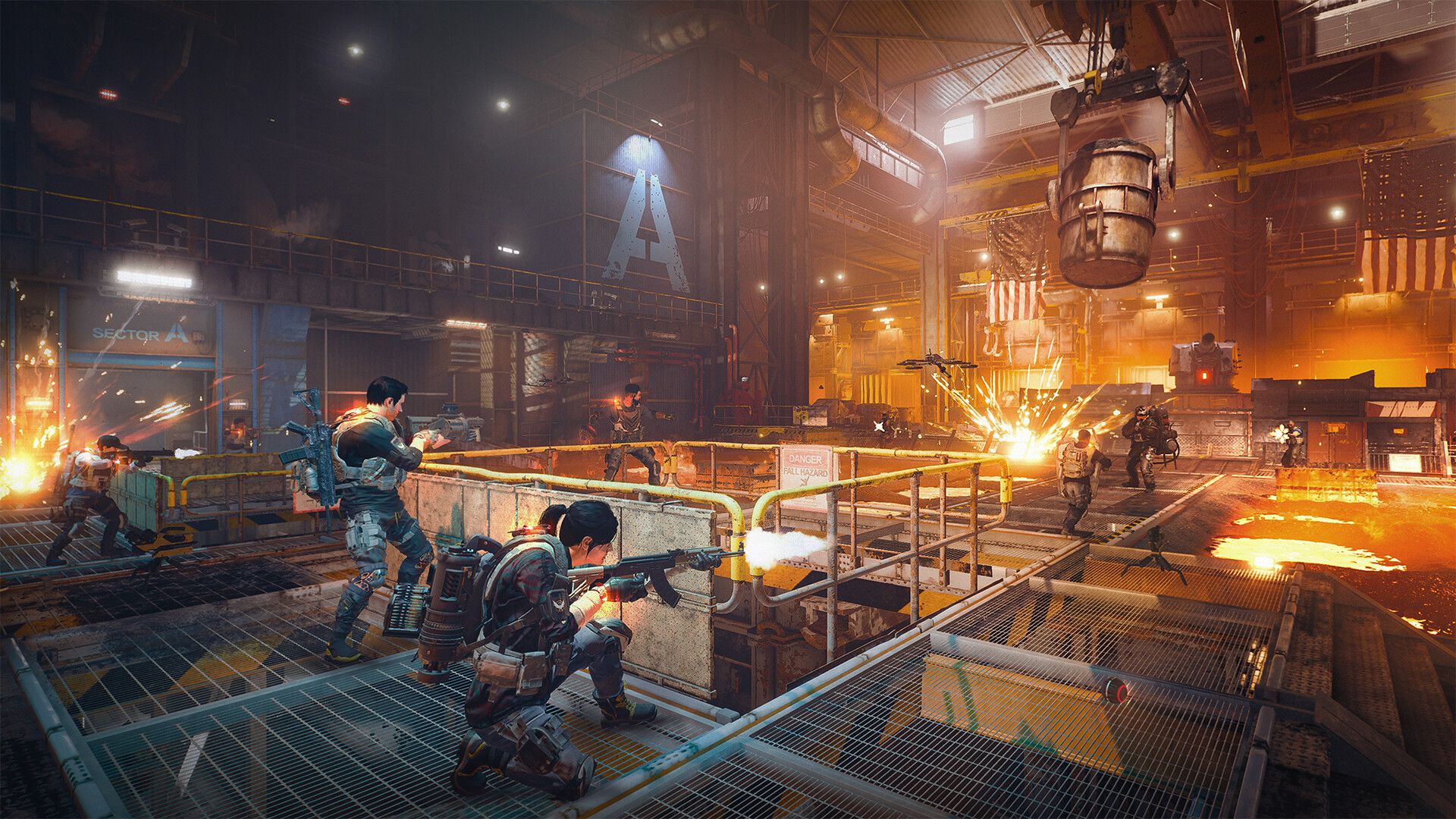
The Division 2 is still receiving active support. Ubisoft announced a brand-new DLC called Red Horizon, and clarified that it has nothing to do with The Division 3.
That matters for buyers. Fresh content usually revives the player base, and account demand tends to follow.
The game also received Update 2.36, which further addressed audio issues in September. Ongoing patches signal a maintained title, which is a good sign for anyone investing in an account.
The buyer checklist
Before you commit, run through the essentials. These are the items that separate a solid purchase from a costly mistake.
- Gear score: Confirm the character's endgame gear level and build quality.
- DLC access: Check which expansions and content, including any Red Horizon access, are attached.
- Platform: Match the account to your platform (PC, PlayStation, or Xbox).
- Progression: Verify SHD level, completed campaigns, and unlocked activities.
- Cosmetics: Confirm any exclusive outfits or emotes shown are actually on the account.
Screenshots help, but ask for a short live check where possible. A seller who refuses basic verification is a red flag.
Security: the part most buyers skip
An account is only worth what you can keep. The biggest risk is buying credentials that can be recovered by the original owner.
Email and credential transfer
Make sure the linked email can be fully handed to you, so you can change the password and recovery details. If the seller keeps the email, they can reclaim the account later.
Two-factor and recovery
Confirm you can add your own two-factor authentication and update security questions. Locking down recovery options is how you make the account truly yours.
The account with the highest gear score is worthless if the seller still controls the recovery email.
Use a marketplace that holds funds until transfer is confirmed. Escrow-style protection is the single best defense against a bad seller.
Private seller vs verified marketplace
Both routes exist, but the risk profile is very different. Here is how they compare.
| Feature | Verified marketplace | Private seller |
|---|---|---|
| Buyer protection | Yes, typically escrow-style | Rarely any |
| Verification | Seller vetting | None by default |
| Dispute support | Available | You are on your own |
| Price transparency | Listed and comparable | Negotiated privately |
A private deal can be cheaper. It can also disappear the moment you pay.
For most players, the security of a verified platform is worth the small premium. You can browse listings on our Division 2 accounts page and compare against other looter-shooters like Destiny 2 or Warframe.
Timing your purchase
Content updates move prices. With Red Horizon announced, demand for high-tier accounts could rise as returning players jump back in.
Buying before a big content wave can mean a better price. Buying after means you can verify how the new DLC affects a specific build.
There is no confirmed pricing guidance from the sources here, so treat listing prices as market-driven and compare several before deciding.
FAQ
Is The Division 2 still getting updates?
Yes. It received Update 2.36 in September addressing audio issues, and Ubisoft announced new DLC called Red Horizon.
Does Red Horizon connect to The Division 3?
No. Ubisoft confirmed that Red Horizon has nothing to do with The Division 3.
What is the single most important thing to verify?
Full control of the linked email. Without it, the original owner can recover the account after you pay.
How much does a Division 2 account cost?
There is no officially confirmed price here. Costs vary by gear score, DLC access, and platform, so compare multiple listings.
Can I add my own two-factor after buying?
You should be able to once you fully own the email and login. Confirm this with the seller before purchase.
Is it safe to buy a Division 2 account?
Selling accounts usually breaks the game's terms of service, so the publisher can act against a traded account, and no seller can remove that risk. The practical risk is the previous owner recovering the account. Buy with the linked email included, secure it straight away, and choose a seller whose warranty covers recovery.
What does the warranty on a Division 2 account cover?
Recovery. If the previous owner ever takes the account back, you get a full refund or a replacement of equal value, your choice, with no time limit. Confirmed claims are settled within 48 hours. Publisher bans and losses on the buyer's side, such as shared credentials or phishing, are not covered.
How is a Division 2 account delivered?
A specialist hand-checks the account, then hands over the login details in a private support chat, usually within a few hours and at most 24 hours after payment. If we miss 24 hours you can cancel for a full refund, and before delivery you can cancel for any reason.
Can I change the email on a Division 2 account?
Division 2 accounts sign in through a Ubisoft account. You receive the logins listed for the account, including the linked email where the listing states it, and support walks you through moving it to your own email and turning on two-factor. Keep the new details private: shared credentials are not covered by the warranty.
Ready to browse safely? Explore verified Division 2 accounts and thousands of other listings across our full accounts catalog on METAMMO, where buyer protection comes standard.